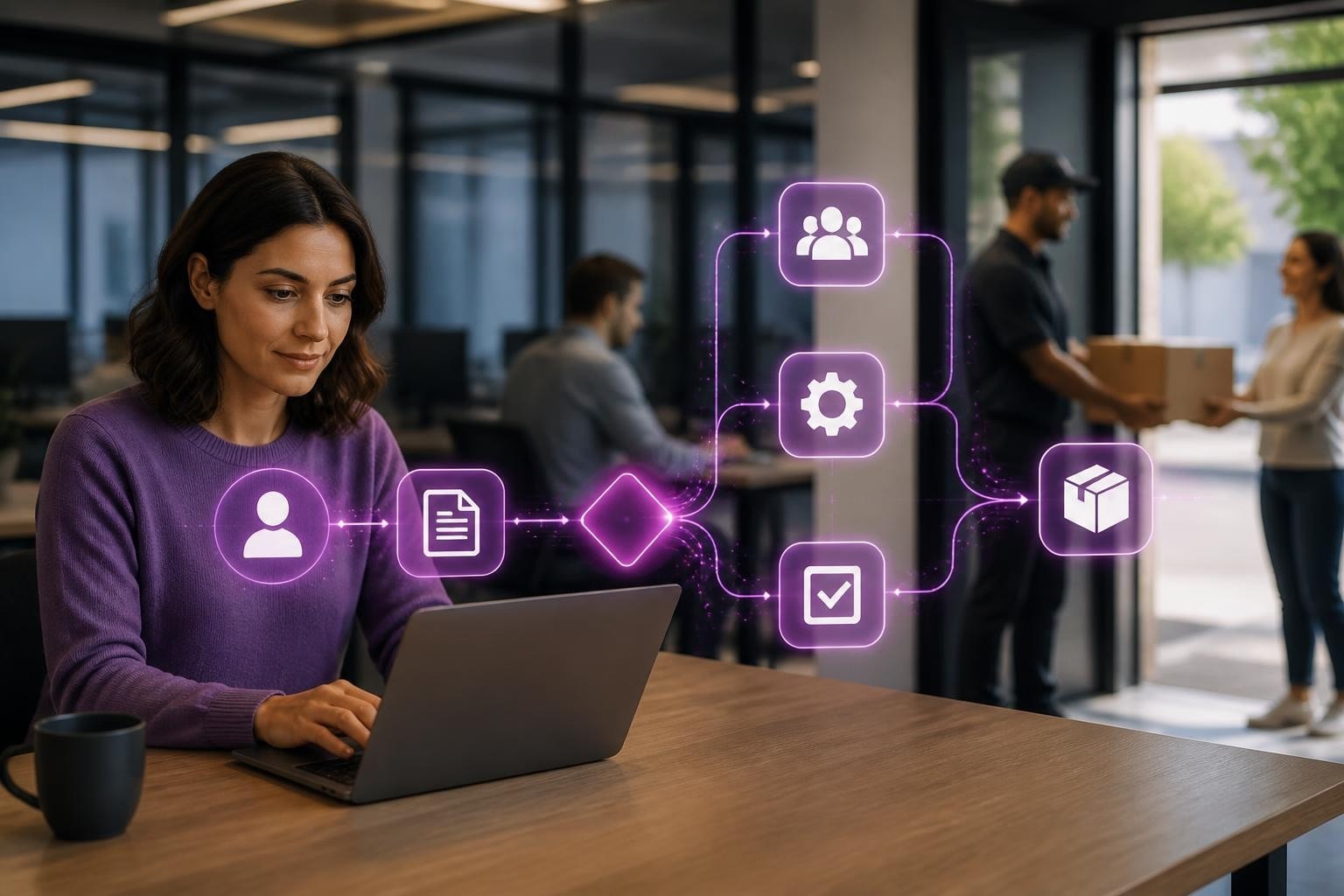
You're probably juggling a dozen applications right now. Email, spreadsheets, your calendar, customer records, invoicing software, and maybe a project management tool or two. What if you had a digital colleague sitting right there on your desktop, quietly handling the repetitive stuff whilst you focused on actually running your business? That's exactly what an ai desktop assistant can do, and in 2026, these tools have moved well beyond the gimmicky phase into genuinely useful territory for small businesses.
What Makes Desktop AI Different from Other AI Tools
An ai desktop assistant lives directly on your computer, not buried in a browser tab you'll forget about. It integrates with your existing applications, learns your workflows, and automates tasks without you needing to jump between platforms.
Key characteristics that set them apart:
- They work across multiple applications simultaneously
- They understand context from what you're actually doing
- They operate locally on your device (many don't send data to external servers)
- They learn your specific business processes over time
Microsoft's recent developments show where this technology is heading, with AI agent integration directly into the Windows 11 Taskbar, making these assistants as accessible as opening any other programme.
The practical difference? Instead of copying data from an email into your CRM manually, your desktop assistant spots the customer details and offers to do it for you. Rather than switching between apps to update a project status, it coordinates the updates across platforms whilst you keep working.

Real-World Applications for Small Businesses
Let's talk about what an ai desktop assistant actually does in practice. For a recruitment agency, it might scan incoming CVs, extract relevant details, match candidates to open positions, and schedule initial screening calls. That's three hours of admin work done in minutes.
Retail and eCommerce Operations
Online retailers are using desktop AI to manage inventory updates, process customer enquiries, and coordinate between their sales channels. When you're running a Shopify store (perhaps built by a specialist Shopify agency), your assistant can monitor stock levels, update product descriptions, and flag orders that need special attention.
| Task | Manual Time | With AI Assistant | Weekly Saving |
|---|---|---|---|
| Product updates | 5 hours | 30 minutes | 4.5 hours |
| Order processing | 8 hours | 2 hours | 6 hours |
| Customer queries | 10 hours | 3 hours | 7 hours |
| Inventory checks | 3 hours | 15 minutes | 2.75 hours |
The work of AI in these scenarios isn't about replacing people but removing the tedious bits that stop you from growing.
Professional Services Automation
For accountants, solicitors, or consultants, document management becomes significantly easier. Your ai desktop assistant can organise files by client, deadline, or project phase. It can pull specific clauses from contracts, summarise meeting notes, and even draft routine correspondence using your previous emails as templates.
Windows 11's "Click to Do" feature demonstrates this capability beautifully, analysing what's on your screen to suggest contextual actions.
Choosing the Right Desktop Assistant for Your Business
Not all desktop AI tools are created equal. Some are brilliant at communication tasks but useless for data management. Others excel at automation but can't handle customer-facing work.
Questions to ask before committing:
- Does it integrate with your existing software stack?
- Can it operate offline or does it require constant internet connectivity?
- What data does it send externally versus processing locally?
- How steep is the learning curve for your team?
- What's the actual cost when you factor in setup time?
OpenClaw represents an interesting option for businesses concerned about data privacy, as it runs entirely on your own hardware. For small businesses handling sensitive customer information, this matters more than you might think.
Amazon has also entered the space with Amazon Quick, designed specifically for workplace productivity across various business tools.
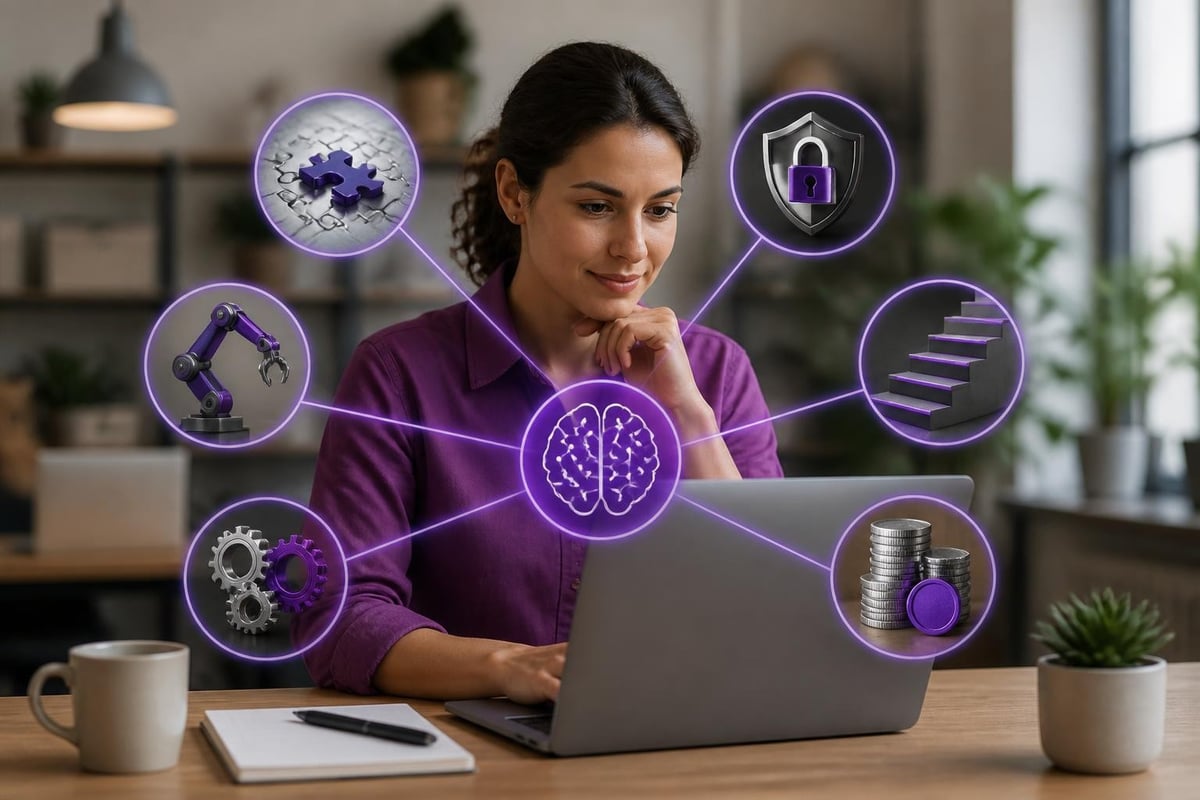
Implementation That Actually Works
Here's where most businesses get stuck. They buy the software, install it, play around for a day, then forget about it. Proper implementation requires a different approach.
Step-by-Step Deployment
Week One: Observation Install your chosen ai desktop assistant but don't automate anything yet. Let it observe your workflows, learn your patterns, and build up context about how you work.
Week Two: Single Process Pick one repetitive task that drives you mad. Maybe it's updating client records after calls. Configure the assistant to handle just that one thing. Get it right before moving on.
Week Three: Gradual Expansion Add a second process, then a third. Each time, verify the outputs before trusting the automation completely.
Week Four: Team Training Once you've proven it works for you, bring your team into the loop. Show them the time you've saved and how it improves accuracy.
This measured approach prevents the common pitfall of trying to automate everything at once, getting overwhelmed, and abandoning the tool entirely. Understanding how AI works in business helps set realistic expectations during rollout.
Beyond Basic Automation
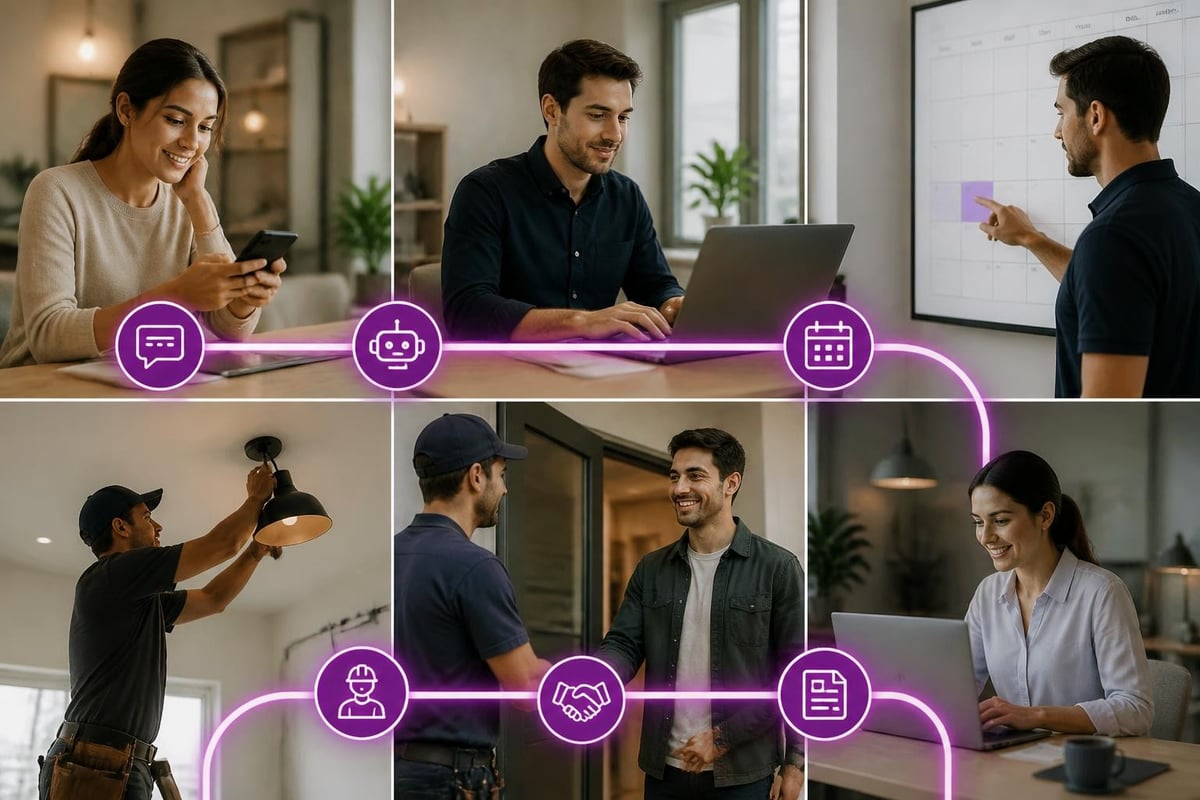
The most sophisticated use of an ai desktop assistant isn't about automating individual tasks but orchestrating entire workflows. Think about your customer journey from first enquiry to final invoice.
Your assistant might:
- Capture the initial enquiry from email or web form
- Create a new client record in your CRM
- Schedule a discovery call based on your availability
- Send a confirmation with pre-meeting questionnaire
- Remind you 15 minutes before with relevant context
- Take notes during the call
- Follow up with a proposal using your standard template
- Track the proposal status and remind you to chase
That's eight separate actions coordinated seamlessly, each one triggered by the previous step completing. For a trades business juggling multiple quotes and site visits, this level of coordination transforms how you operate.
Training Your Assistant to Understand Your Business
Generic AI is clever, but business-specific AI is transformative. The difference lies in training your ai desktop assistant on your actual processes, terminology, and customer expectations.
Start by feeding it examples of your best work. Your most effective sales emails. Your clearest project briefs. Your favourite customer service responses. The assistant learns your voice, your style, and your standards.
| Training Input | Result | Business Impact |
|---|---|---|
| 50 sales emails | Drafts new emails in your tone | Faster response, consistent quality |
| Client proposals | Generates first drafts | 3x more quotes produced |
| Support responses | Handles routine queries | Team focuses on complex issues |
| Process documents | Automates workflows | Fewer errors, faster delivery |
This customisation separates a helpful tool from a genuine intelligent virtual agent that understands your business context.
Common Pitfalls and How to Avoid Them
Over-automation too quickly. Businesses get excited and try to automate everything in week one. Start small, prove value, then expand.
Ignoring data quality. Your assistant is only as good as the information it works with. Clean up your databases before letting AI loose on them.
Lack of human oversight. Even the best ai desktop assistant makes mistakes. Build in review points, especially for customer-facing communications.
Forgetting to update training. Your business evolves. Your assistant needs to evolve with it. Regular retraining keeps it relevant.
Not measuring impact. Track the time saved, errors reduced, and revenue generated. Without metrics, you won't know if it's actually working.
The use of AI in business requires the same rigour as any other investment. You wouldn't buy new equipment without measuring its return, so why treat AI differently?
Privacy and Control Considerations
Running AI on your desktop raises important questions about data security and privacy. Many business owners assume all AI sends their information to the cloud, but that's not always the case.
Local processing means your sensitive data never leaves your computer. Customer details, financial records, and confidential communications stay entirely under your control. This matters enormously for businesses in regulated sectors or those handling personal information.
Check whether your chosen assistant offers:
- On-device processing options
- Clear data retention policies
- Ability to exclude certain file types or folders
- Audit logs showing what data was accessed
- Easy off-switch for specific automations
Integration with Existing Business Systems
Your ai desktop assistant needs to play nicely with the tools you already use. For eCommerce businesses, that might mean connecting with Shopify, WooCommerce, or Amazon Seller Central. For service businesses, integration with scheduling software, accounting packages, and customer databases becomes critical.
The beauty of modern desktop AI is its ability to bridge different platforms. Your CRM doesn't talk to your email marketing tool? Your assistant can shuttle data between them. Your project management software can't automatically invoice? Let the AI handle that handoff.
Some businesses worry about compatibility issues, particularly when running older software. Most current desktop assistants work through your operating system rather than requiring direct API access to each application, making them surprisingly versatile even with legacy systems.
Measuring Real Business Impact
Numbers don't lie. After implementing an ai desktop assistant, track these metrics:
Time savings: How many hours per week are you reclaiming? What are you doing with that time?
Error reduction: Fewer mistakes in data entry, invoicing, or customer communications directly impact your bottom line.
Response speed: How much faster are you replying to enquiries? In competitive markets, speed wins business.
Revenue per employee: As your team becomes more efficient, this metric should climb without adding headcount.
Customer satisfaction: Are clients getting better, more consistent service? Check your feedback scores.
For a professional services firm that implements desktop AI properly, seeing a 30% increase in billable hours isn't unusual. That's the same team delivering more value simply because they're not drowning in admin.
An ai desktop assistant represents a practical step towards operational efficiency that most small businesses can implement without massive investment or technical expertise. The key lies in choosing tools that fit your actual workflows, implementing them methodically, and measuring real outcomes rather than chasing the latest features. If you're ready to explore how desktop AI could transform your specific business processes, AI 4 Small Business helps companies identify high-impact opportunities, select appropriate tools, and implement automations that deliver measurable results fast.