You've probably heard about smart homes, but here's the thing: the same technology that's making domestic life easier can completely transform how you run your small business. An openai home assistant isn't just about turning lights on and off. It's about creating an intelligent system that understands your business needs, responds to voice commands, and automates repetitive tasks that drain your time every single day.
The beauty of combining OpenAI's powerful language models with Home Assistant is that you're not just getting another tech gadget. You're building a custom business assistant that speaks your language, understands context, and gets smarter over time. Let's explore how this works in practice and why it matters for businesses like yours.
What Makes an OpenAI Home Assistant Different
Traditional automation follows rigid "if this, then that" rules. An openai home assistant powered by GPT models brings something completely different to the table: genuine understanding.
When you set up the OpenAI Conversation integration in Home Assistant, you're essentially giving your business environment a brain. It doesn't just execute commands; it interprets what you mean, even when you phrase things differently each time.
Here's what sets this approach apart:
- Natural language processing that understands context and intent
- Flexible command structure without memorising specific phrases
- Adaptive responses that learn from your patterns
- Multi-step automation triggered by conversational requests
- Integration capability across dozens of business tools and devices
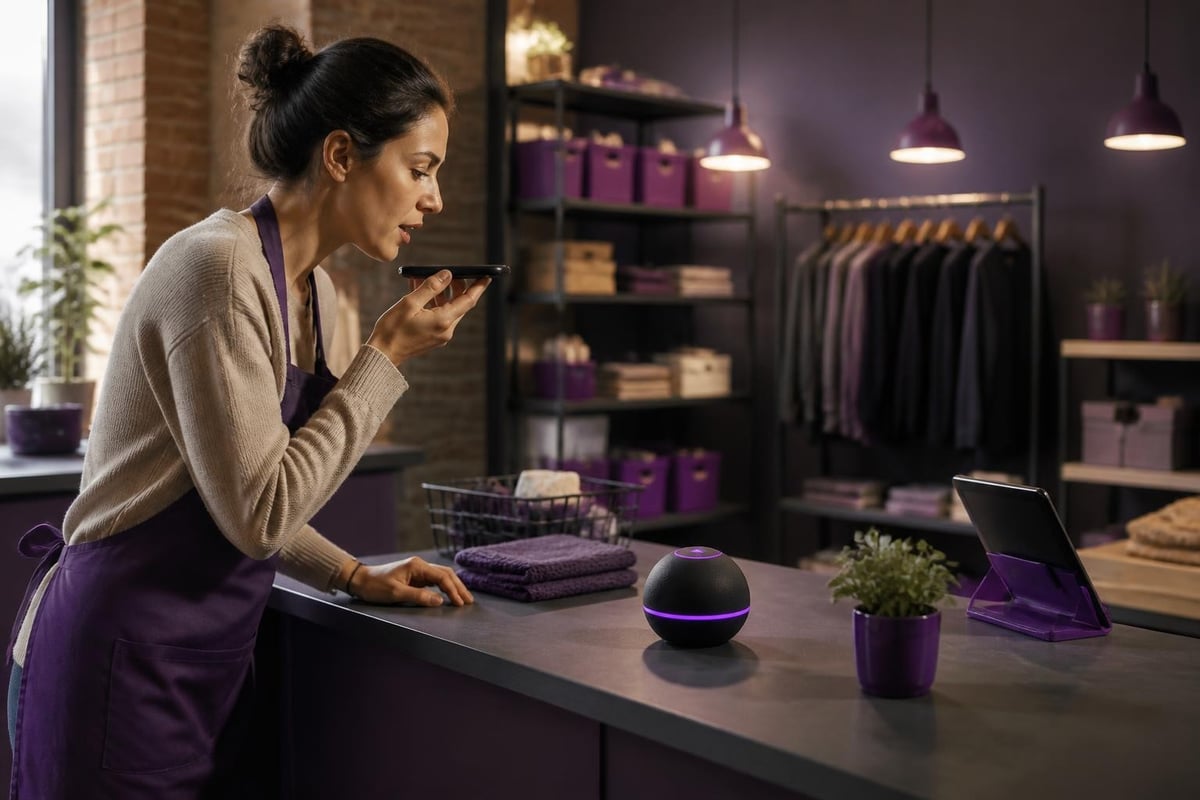
Think about how this translates to your daily operations. Instead of clicking through multiple screens to check your shop's temperature, lighting, and security, you simply ask. Instead of running the same report every Monday morning, your assistant does it automatically and sends you a summary.
Setting Up Your Business Assistant
The technical side is more straightforward than you'd think. You'll need a Home Assistant instance (runs on a Raspberry Pi for under £100), an OpenAI API key, and about an hour to get the basics running.
The detailed setup guide for OpenAI with Home Assistant walks you through the process, but here's what matters for small business owners:
| Setup Component | Purpose | Business Value |
|---|---|---|
| Home Assistant Core | Central automation hub | Connects all your systems |
| OpenAI API | Language understanding | Natural conversations |
| Voice Integration | Hands-free control | Work while you talk |
| Device Connectors | Hardware integration | Controls real equipment |
Much like implementing an AI digital assistant for other business functions, the key is starting simple and building up. Don't try to automate everything on day one.
Practical Business Applications
Let's get specific about what an openai home assistant can actually do for different types of businesses in 2026.
Retail and Hospitality
Your shop or café has dozens of daily routines that don't need your personal attention. An openai home assistant handles them automatically:
- Morning opening sequences - Lights, heating, music, and display screens activate with a single voice command
- Customer environment monitoring - Adjusts temperature and lighting based on occupancy and time of day
- Security protocols - Arms systems at closing, sends alerts for unusual activity
- Energy management - Reduces costs by optimising heating and cooling when you're closed
Recent research on on-device LLMs for Home Assistant shows these systems can run locally, meaning faster responses and no cloud dependency for critical operations.
Trades and Construction
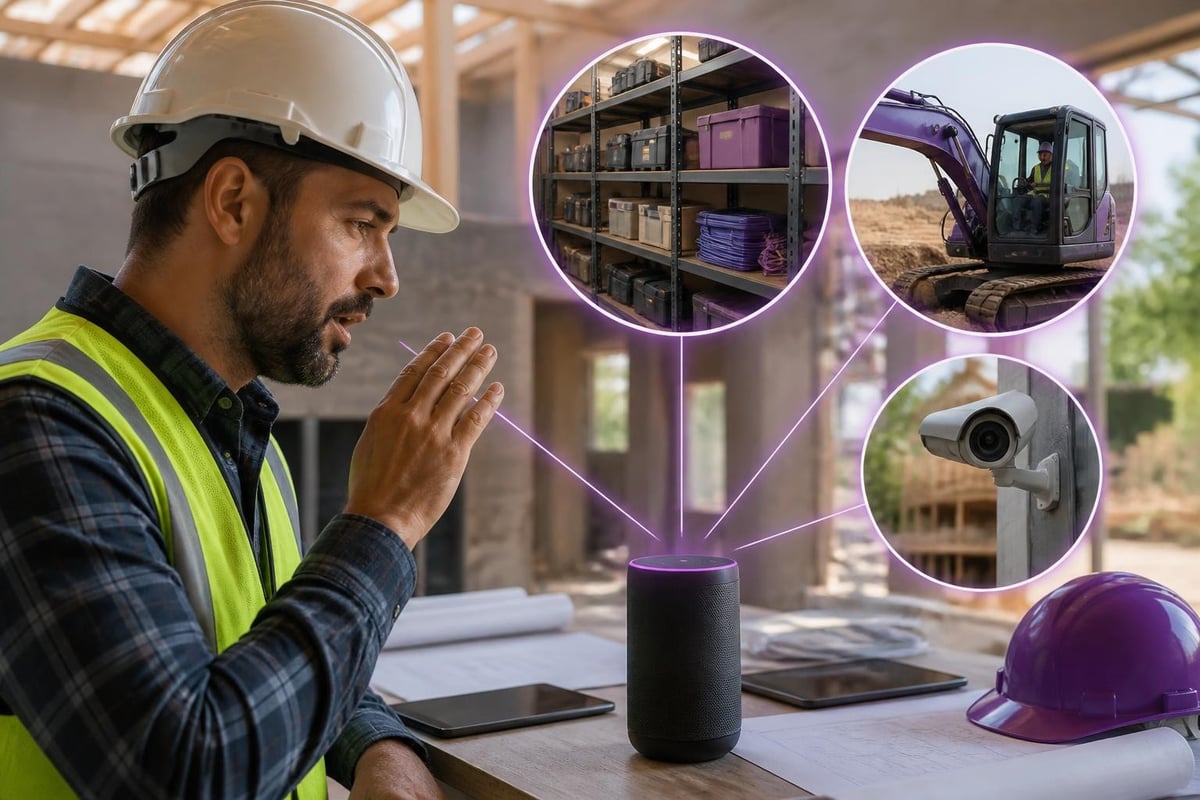
For builders, electricians, and other trades businesses, your workshop or storage facility can become significantly smarter:
- Inventory notifications when stock levels drop
- Equipment monitoring that alerts you to maintenance needs
- Access control for employees and subcontractors
- Environmental protection for sensitive materials
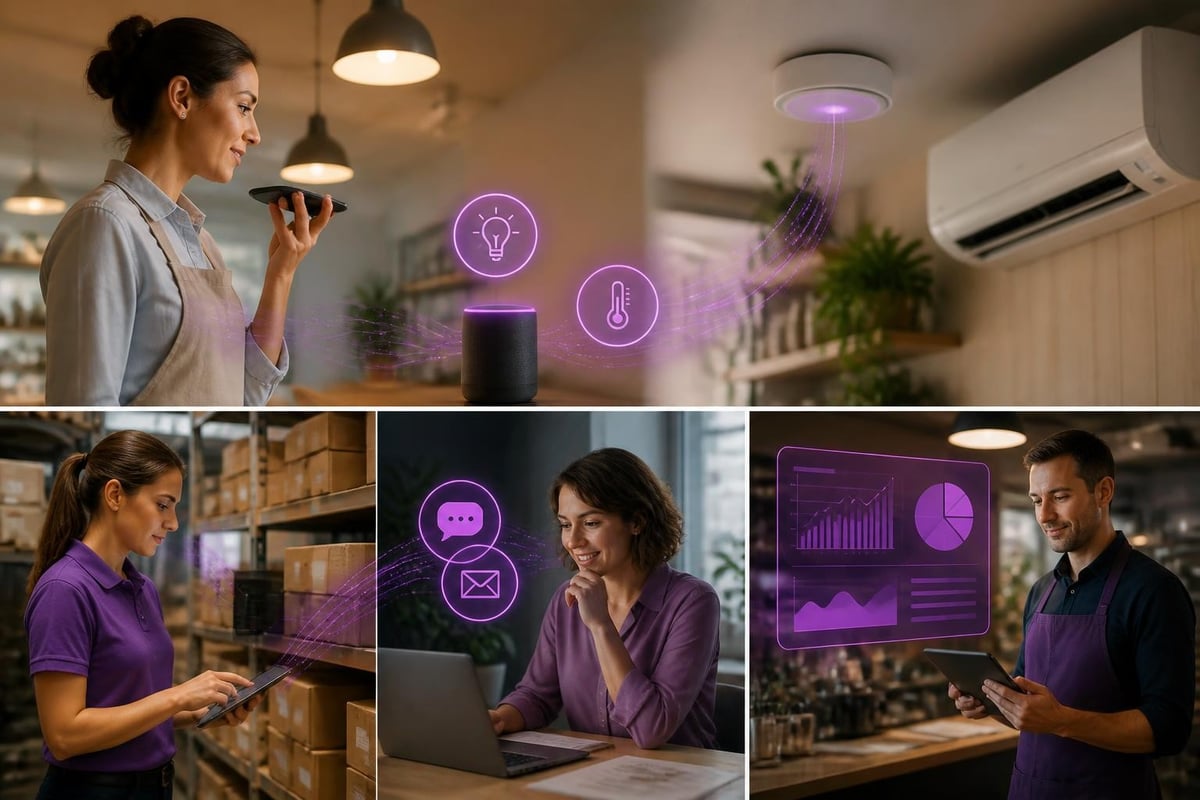
The integration possibilities extend far beyond basic controls. You can connect project management tools, scheduling systems, and even customer communication platforms.
Professional Services
Offices benefit differently. An openai home assistant in a professional services environment focuses on creating the right working atmosphere and reducing admin friction:
Your meeting rooms can prepare themselves. Conference room bookings automatically adjust lighting, temperature, and AV equipment. The system knows your preferences and applies them without you touching a single button.
Document security becomes hands-free. Lock sensitive areas, trigger backup protocols, and manage access permissions through natural conversation. Similar to how AI assistants for business handle digital tasks, your physical workspace adapts to your needs.
Voice Control That Actually Works
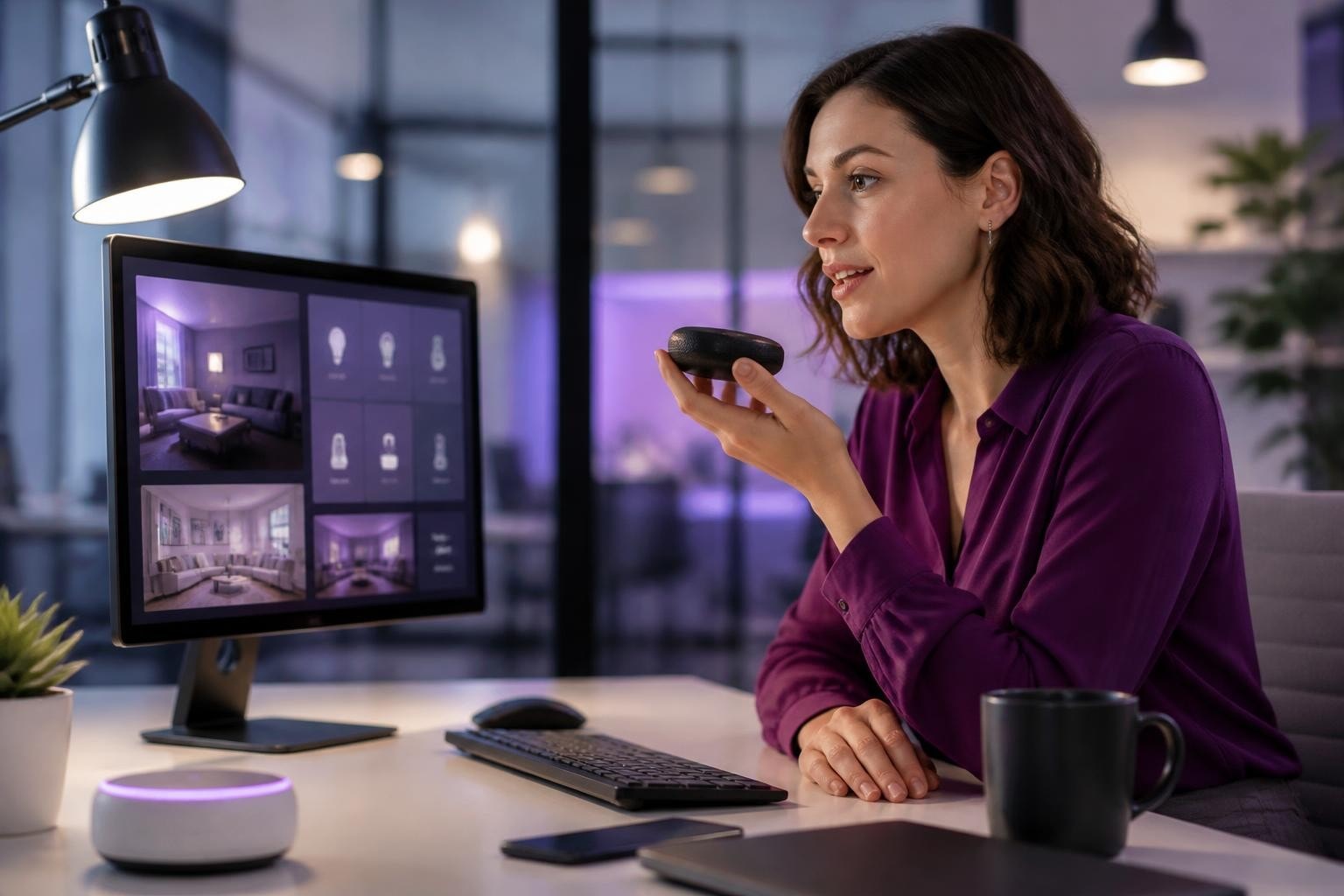
Here's where the OpenAI integration truly shines. Traditional voice assistants frustrate people because they require exact phrasing. An openai home assistant understands variations and context.
You can say "it's too warm in here" or "cool down the office" or "feels stuffy" and get the same result. The system interprets intent, not just keywords. The tutorial on integrating ChatGPT with Home Assistant demonstrates just how flexible these conversations can be.
For businesses serving customers, you can even add custom Text-to-Speech responses using OpenAI's speech engine, creating a consistent brand voice across all interactions.
Advanced Configuration for Growing Businesses
As your comfort level increases, the system grows with you. The AdaHome research shows how adaptive assistants learn user preferences over time, becoming more efficient without manual reprogramming.
| Feature | Basic Setup | Advanced Implementation |
|---|---|---|
| Voice Commands | Single room control | Multi-location management |
| Automation Rules | Time-based triggers | Context-aware responses |
| Integration Depth | Light and temperature | CRM, inventory, analytics |
| Response Customisation | Standard replies | Brand-specific voice |
The practical approach that makes AI in manufacturing work applies here too: identify specific pain points, solve them with targeted automation, measure the impact, then expand.
Security and Reliability Considerations
You're running a business, so reliability matters. Research on configuration error detection in Home Assistant highlights the importance of proper setup and ongoing maintenance.
Keep your openai home assistant secure:
- Regular updates to Home Assistant and integrations
- API key protection with proper environment variables
- Network segmentation isolating business systems
- Backup automation for critical configurations
- Failsafe protocols when internet connectivity drops
The system should enhance your operations, not create new dependencies. That's why combining cloud AI capabilities with local processing gives you the best of both worlds.
Cost-Benefit Analysis
Let's talk money. An openai home assistant setup for a small business typically costs:
- Home Assistant hardware: £50-150
- Initial configuration time: 2-5 hours
- OpenAI API usage: £5-30 monthly depending on volume
- Additional devices/sensors: £100-500 depending on scope
Compare this to the time saved. If you're spending even 30 minutes daily on routine environmental controls, security checks, and manual triggers, that's over 180 hours yearly. At your hourly rate, the system pays for itself quickly.
The practical implementation approach we recommend means you start small, prove value, then scale. No massive upfront investment, no lengthy procurement process.
Integration With Existing Business Systems
Your openai home assistant doesn't exist in isolation. The real power comes from connecting it to your existing tools and workflows.
Home Assistant supports hundreds of integrations, from accounting software to customer databases. Voice commands can trigger actions across multiple systems simultaneously. "Close up for the day" might lock doors, arm security, generate daily reports, and send summaries to your phone.
This interconnected approach mirrors how successful businesses apply automation elsewhere. Just as AI for logistics connects shipping, inventory, and customer communication, your physical workspace automation creates a unified operational environment.
An openai home assistant represents a practical, affordable way for small businesses to implement intelligent automation that saves time and reduces admin overhead. The technology is mature, accessible, and immediately useful for businesses across retail, trades, professional services, and hospitality sectors. If you're ready to explore how AI automation can transform your specific business operations, AI 4 Small Business helps you identify high-impact opportunities and implement solutions that deliver measurable results fast, without the complexity or cost of enterprise systems.