
If you're running a small business in 2026, you've probably heard about virtual assistant in AI technology. But what does it actually mean for your day-to-day operations? These aren't just fancy chatbots or voice-activated gadgets. They're practical tools that can genuinely transform how you handle everything from customer enquiries to appointment scheduling. Let's cut through the hype and look at what these AI-powered helpers can actually do for your business.
What Makes a Virtual Assistant in AI Different
A virtual assistant in AI is essentially software that uses artificial intelligence to understand and respond to human requests. Unlike traditional automation that follows rigid scripts, modern virtual assistants can interpret natural language, learn from interactions, and adapt to different situations.
Think about the difference between filling out a web form and having a conversation. That's essentially what separates old-school automation from today's AI-powered virtual assistants.
Key Capabilities That Matter for Small Businesses
- Natural language understanding that lets customers or staff communicate normally
- Task automation for repetitive admin work like data entry or scheduling
- Multi-channel support across email, chat, phone, and social media
- Learning capability that improves responses over time
- Integration with your existing tools and systems
The real value comes from how these capabilities combine. Your virtual assistant in AI doesn't just answer questions. It can pull information from your CRM, update records, book appointments, and trigger workflows all from a single conversation.
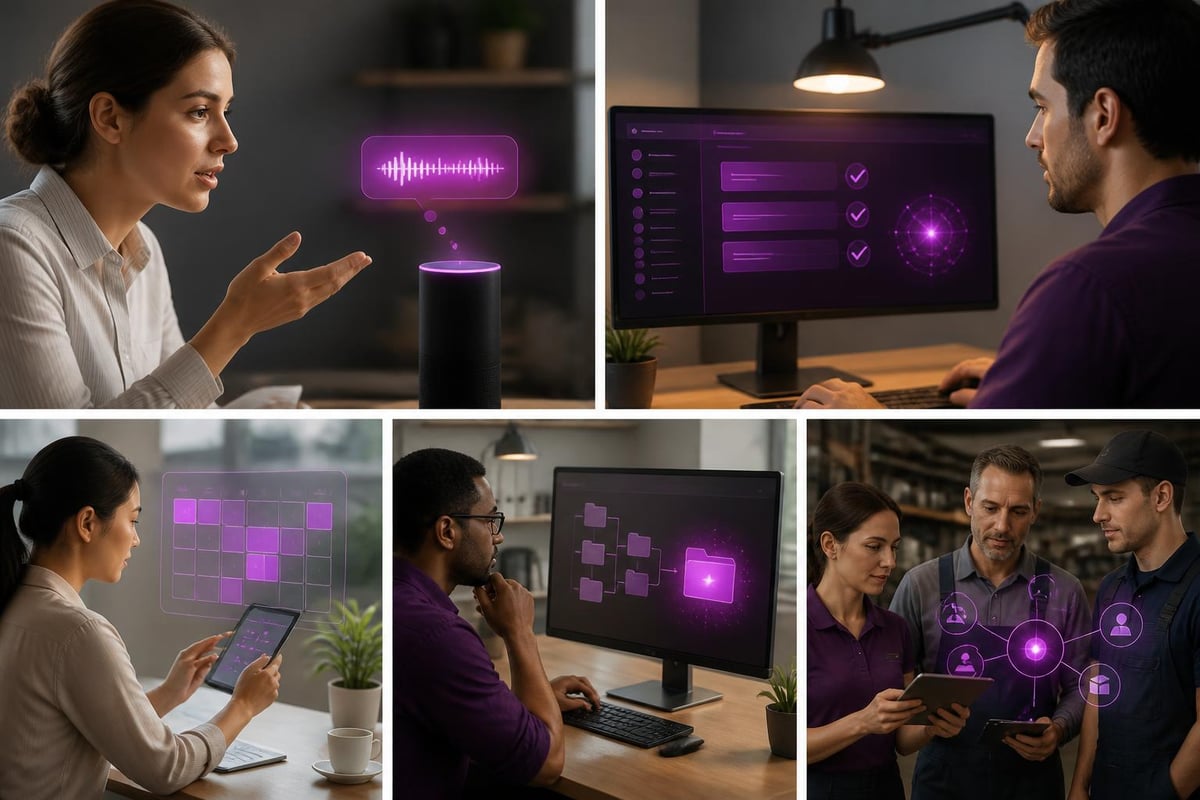
Real-World Applications Across Different Sectors
Let's get specific about where this technology actually makes sense. The beauty of virtual assistants is their flexibility across different business types.
Retail and eCommerce
Your virtual assistant in AI can handle customer queries about stock levels, delivery times, and returns. It works 24/7, so that 11pm question about sizing doesn't wait until morning. One bakery we worked with set up an AI assistant to take cake orders through Facebook Messenger, saving them hours of back-and-forth messaging.
Trades and Construction
For plumbers, electricians, or builders, an AI assistant can manage appointment bookings, send quote follow-ups, and even triage emergency calls versus routine jobs. It's like having an office manager who never sleeps and never takes a day off.
Professional Services
Accountants, solicitors, and consultants use virtual assistants to qualify leads, schedule consultations, and send document reminders. One recruitment firm we know uses an AI virtual agent to screen initial candidate applications, freeing up hours each week.
| Business Type | Common Use Cases | Time Saved Per Week |
|---|---|---|
| Retail | Customer queries, order tracking, returns | 8-12 hours |
| Trades | Appointment booking, quote follow-ups | 6-10 hours |
| Professional Services | Lead qualification, document requests | 10-15 hours |
| Hospitality | Reservation management, menu enquiries | 12-18 hours |
How Virtual Assistant in AI Technology Actually Works
You don't need a computer science degree to understand or implement this stuff. IBM's explanation of virtual agents breaks down the technical side, but here's what matters for practical implementation.
At its core, a virtual assistant in AI uses something called natural language processing (NLP). This lets it understand what someone means, not just what they literally type. When a customer asks "Do you have this in blue?", the system understands they're asking about product availability in a specific colour.
The Building Blocks
Intent recognition works out what the person wants. Are they asking a question, making a complaint, or placing an order?
Entity extraction pulls out the important details. In "I need a plumber in Manchester tomorrow", it identifies the service (plumbing), location (Manchester), and timeframe (tomorrow).
Response generation creates appropriate replies based on your business data and rules. This is where the AI connects to your calendar, inventory, or customer records to provide accurate information.
The system learns from each interaction. If customers frequently ask about something your assistant doesn't handle well, you can teach it new responses or adjust its understanding.
Implementing Without Breaking the Bank
Here's where small business owners often get stuck. They think virtual assistant in AI technology requires massive budgets and technical teams. It doesn't. When you approach AI as a practical tool, implementation becomes manageable.
Start With One Process
Pick the most time-consuming, repetitive task your business handles. For many, that's answering the same customer questions repeatedly or managing appointment bookings. Build your virtual assistant to handle just that one thing first.
A local gym started with an AI assistant that only handled membership enquiries and tour bookings. Once that worked smoothly, they expanded it to class schedules and payment reminders. Start small, prove the value, then expand.
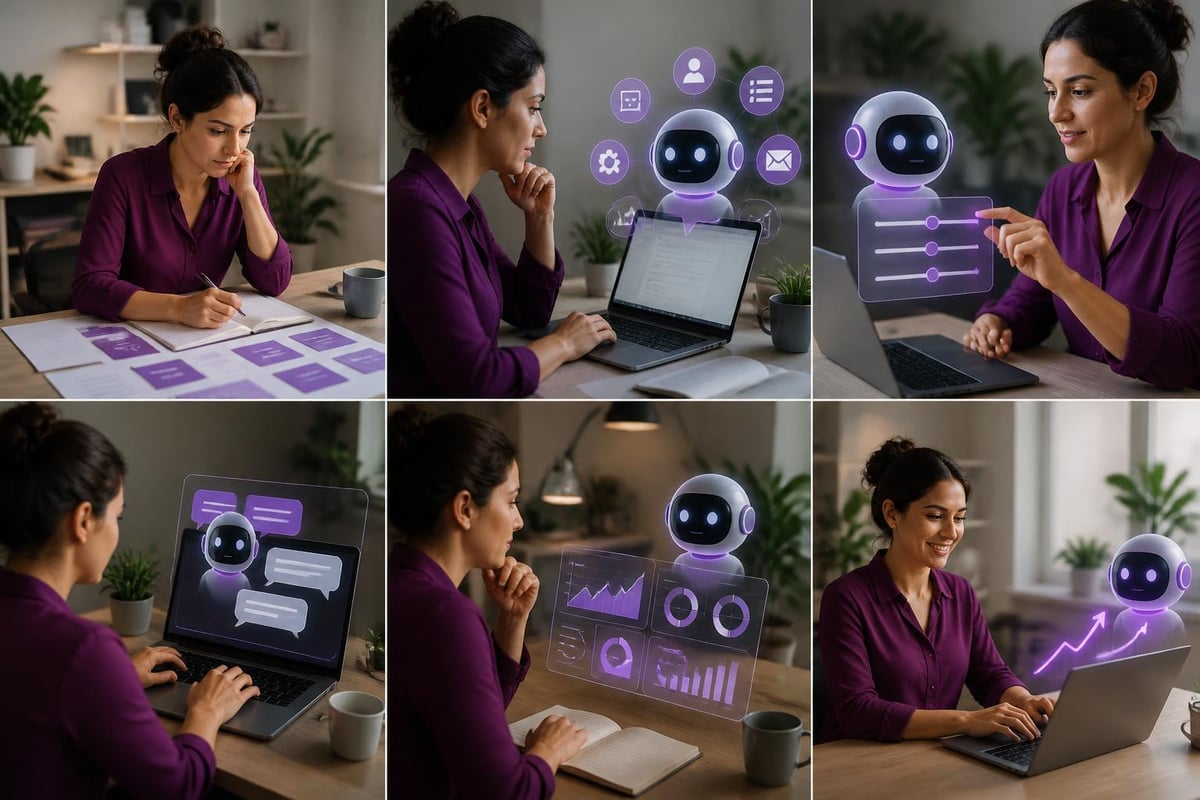
Tools That Make Sense for Small Business
You've got several options depending on your needs and technical comfort:
- Platform-based solutions like Tidio or Intercom offer ready-made virtual assistants you can customise
- Voice assistants through Google Assistant or Alexa for Business handle phone and voice interactions
- Custom-built solutions tailored specifically to your business processes and systems
Understanding business process automation with AI helps you see where virtual assistants fit into broader efficiency improvements. Often, they're just one piece of a larger automation puzzle.
Common Challenges and How to Avoid Them
Let's talk about what goes wrong, because it's more useful than pretending everything's perfect. The biggest mistake we see is trying to make your virtual assistant in AI do everything from day one.
Setting Realistic Expectations
Your AI assistant won't sound exactly like a human. That's fine. Customers care more about getting accurate, helpful information quickly than they do about whether the response feels "natural". Privacy and security concerns matter too, especially if you're handling personal or financial data.
Training Takes Time
You'll spend the first few weeks refining responses, adding new scenarios, and fixing misunderstandings. That's normal. One restaurant owner told us their AI assistant initially thought "table for four" meant customers wanted to book four separate tables. These quirks get ironed out quickly once you spot them.
When to Escalate to Humans
Build in clear handoff points. When a customer gets frustrated, when a query's too complex, or when the situation requires judgement, your virtual assistant should seamlessly transfer to a real person. The different types of AI agents have varying capabilities here.
Measuring Real Impact
You need to know whether this technology's actually helping your business. Track specific metrics rather than vague feelings about "efficiency".
Response time should drop significantly. If customers previously waited hours for email replies, your AI assistant might answer in seconds.
Resolution rate tells you what percentage of queries get fully handled without human intervention. Aim for 60-70% as a realistic target.
Staff time freed up is the big one. Calculate actual hours saved per week, then work out what your team's doing with that recovered time. If they're just finding other admin to fill it, you've not gained much. If they're focusing on sales or complex customer issues, that's real value.
| Metric | Before AI | After AI | Impact |
|---|---|---|---|
| Average Response Time | 4 hours | 2 minutes | 99% reduction |
| Queries Resolved First Contact | 45% | 68% | 51% improvement |
| Admin Hours Per Week | 20 hours | 8 hours | 12 hours saved |

The Future's Already Here
By 2026, virtual assistant in AI technology isn't cutting-edge anymore. It's standard practice for businesses that want to stay competitive. The question isn't whether you should adopt it, but how quickly you can implement it effectively.
What's changing is the sophistication. Recent research on AI-driven virtual assistants shows applications in increasingly specialised fields, from environmental monitoring to complex technical support. For small businesses, this means more accessible, powerful tools at lower costs.
The businesses thriving right now aren't necessarily the biggest or most established. They're the ones using AI tools in practical ways to work smarter, respond faster, and serve customers better. Your virtual assistant in AI is one part of that puzzle, working alongside other automation and improvements.
Think about your business right now. How many hours each week get eaten up by repetitive questions, booking management, or basic customer service? That's time your virtual assistant could reclaim, letting you and your team focus on growth, strategy, and the work that actually requires human expertise and creativity.
Virtual assistant in AI technology offers small businesses a practical way to reduce admin burden, improve customer service, and free up valuable time for growth-focused activities. If you're ready to explore how AI assistants and automation could work specifically for your business, AI 4 Small Business helps you identify the right opportunities, select appropriate tools, and implement solutions that deliver measurable results without the technical headaches or expensive custom development. We work across trades, retail, professional services, and more, building AI capabilities that actually work for your specific situation.