
AI is changing the way small businesses work, opening doors that once seemed out of reach. In 2026, practical and affordable AI has become a real game-changer for business owners everywhere.
This guide is designed to help you get started in AI, even if you have no tech background. You'll discover how to use AI tools to save time, cut costs, and grow your business with confidence — from understanding the basics, to picking the right tools, to running your first automation.
Understanding AI: What Every Small Business Owner Needs to Know
Artificial intelligence, or AI, might sound futuristic, but it's simply about teaching computers to do tasks that usually need human thinking. Think of it as adding a clever assistant that never takes a break — always ready to help with jobs like sorting emails, scheduling appointments, or answering customer questions.
AI is often confused with automation and machine learning. Here's the difference:
- Automation is setting up rules to handle repetitive tasks, like sending a welcome email to new customers.
- Machine learning is a type of AI where software learns from patterns in your data — such as spotting which products are most popular.
For small businesses, the most useful types of AI include chatbots for customer questions, tools that automate daily processes, smart dashboards to analyse sales, and AI writing assistants. In fact, 73% of small businesses using AI report saving 3–8 hours each week.
Don't believe the myth that you need a big budget or a tech team to get started. Most solutions are affordable, easy to set up, and designed for non-technical users. Check out our AI business FAQs to see how practical AI can bring real results.
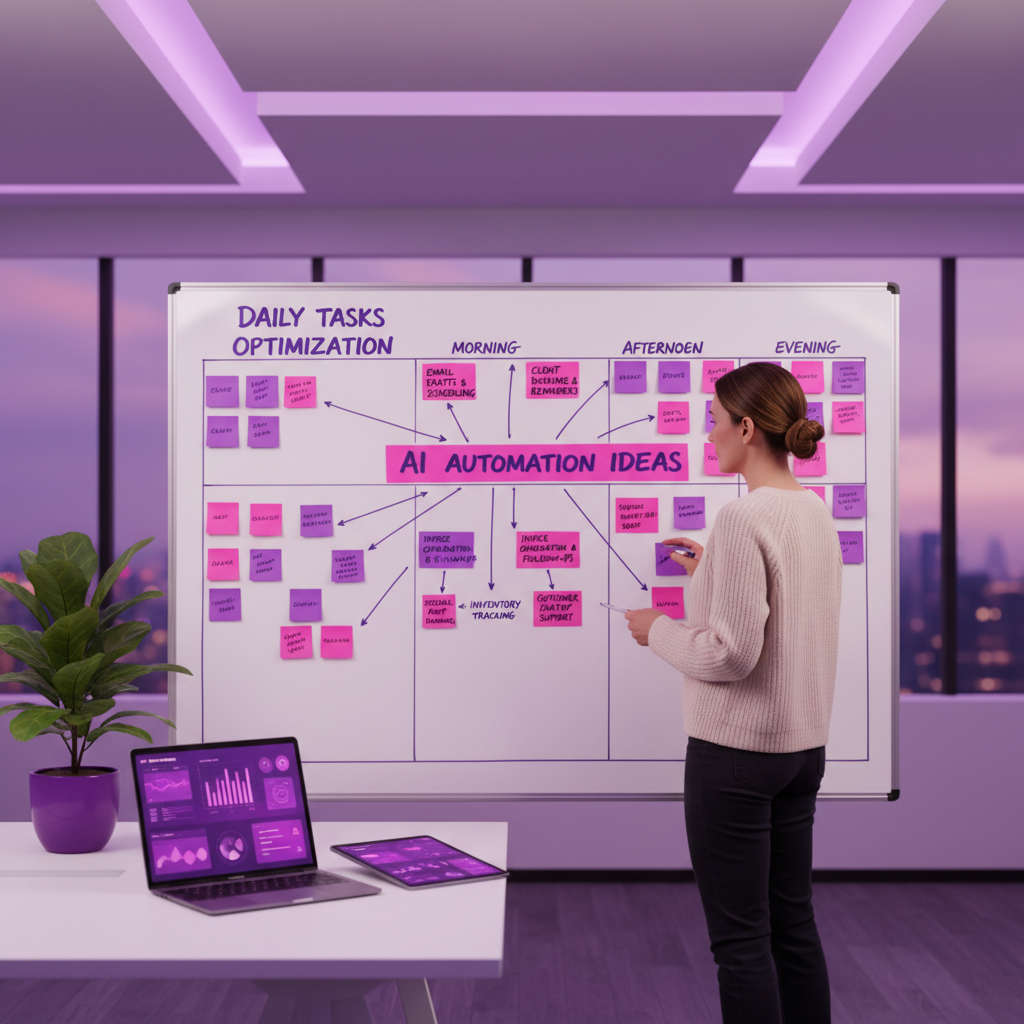
Identifying High-Impact AI Opportunities in Your Business
Finding the right place to start can feel overwhelming, but the secret is to look for daily tasks that drain time and energy. By focusing on simple, repetitive processes, you can unlock quick wins without needing a tech background.
Spotting Tasks Ripe for Automation
Start by mapping your team's daily routines. Look for jobs like data entry, appointment booking, or sending out reminders. These are perfect places to start because they're repetitive and easy to automate.
- Retail shops can automate inventory updates
- Tradespeople can schedule jobs automatically
- Recruitment agencies can screen CVs faster
- Accountants can process invoices with less manual effort
Automating these workflows can save 40–60% of your time on those tasks. Explore our AI Business Blog for practical use case examples across different industries.
Start Small and Involve Your Team
The best way to get started is by testing one or two processes first. Begin with easy wins like handling customer enquiries, posting to social media, or qualifying leads. Invite your staff to share which tasks slow them down — their insights are vital for spotting pain points and setting the right priorities.
Remember, every business is different. Focus on what matters most to your team and customers. Involving staff early ensures everyone feels part of the change.

Essential AI Tools and Platforms for 2026
The tech landscape for small business owners in 2026 is packed with affordable, user-friendly tools that make it easy to automate everyday tasks, boost productivity, and stay ahead of the competition. Here's what to know:
Affordable, No-Code AI Solutions
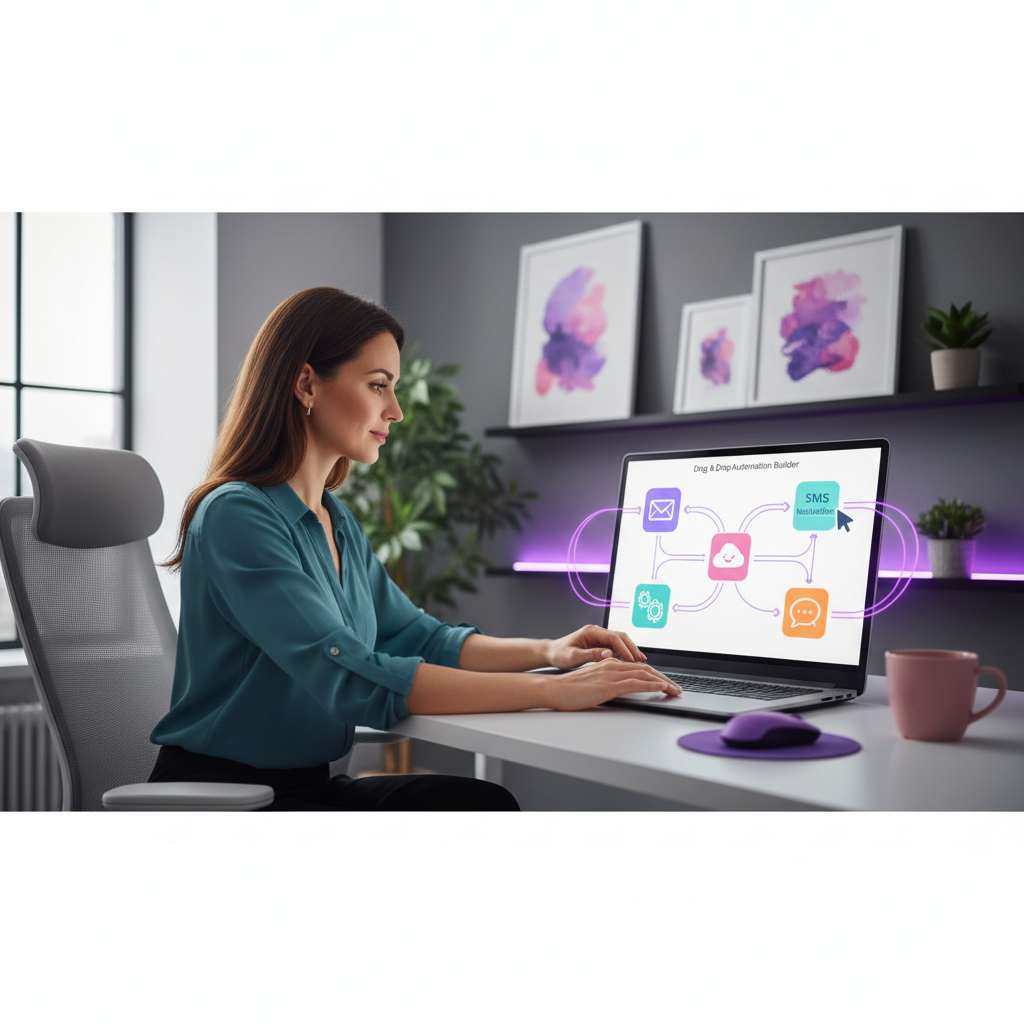
For small business owners who want to start without coding, platforms like Make, Zapier, and n8n are game changers. These tools let you connect everyday apps — email, your CRM, spreadsheets — using simple drag-and-drop workflows.
Imagine setting up an automation that creates invoices and sends follow-up emails automatically, freeing up hours each week. Most basic automations can be live in just a few days, and many platforms offer free or low-cost plans to get you started with no big upfront investment.
AI-Powered Productivity Boosters
Beyond automating tasks, AI tools can transform how you interact with customers and manage your workload:
- Chatbots handle FAQs on your website round the clock
- AI writing assistants speed up content creation for emails and social posts
- Smart analytics dashboards turn your business data into clear, actionable insights
Businesses using AI assistants have reported customer response times up to 40% quicker. A small retail shop can automate stock updates; a tradesperson can use AI to quote jobs faster.
Data Security and Responsible AI Use
When getting started with AI, protecting customer data should be a top priority. Always choose tools with clear privacy policies and secure app integrations.
- Review automated processes regularly to ensure accuracy
- Be transparent with customers about using AI
- Avoid tools that introduce bias or lack proper oversight
Responsible AI use is about building trust and ensuring your automations stay reliable and compliant as your business grows.
Step-by-Step: How to Get Started with AI in Your Business
Ready to take your first steps? Follow these five simple steps to unlock real benefits for your small business — no technical experience required.
Step 1: Set Clear Goals and Priorities
Identify the biggest pain points in your daily operations. What repetitive tasks drain your time? Involve your team in brainstorming areas that impact customer experience or cash flow. This focus will help you select the right process for your first automation. AI adoption among small businesses surged 41% in 2025 — now is the perfect time to pinpoint where AI can make a real difference.
Step 2: Choose the Right AI Tools
Match your needs to user-friendly, no-code platforms. Look for automation tools, chatbots, or analytics solutions that integrate with your existing systems. Try free trials or demos to test if the tool feels intuitive. Prioritise platforms with strong support and simple setup so your team can feel confident from day one.
Step 3: Build and Test Your First Automation
Use your selected no-code tool to create a basic workflow. For example, set up an automation to auto-respond to website enquiries, or send reminders for unpaid invoices. Test the process with real data and gather staff feedback. Adjust settings to make sure everything runs smoothly and reliably.
Step 4: Train Your Team and Monitor Results
Provide clear, plain-English instructions for everyone involved. Set realistic expectations and offer hands-on support as your team adapts. Monitor how much time is saved, the reduction in errors, and what customers think about the changes. Celebrate early wins to build enthusiasm.
Step 5: Scale Up and Optimise
Once your first AI process is running reliably, expand step-by-step. Gradually add more automations to other areas of your business. Review results monthly, looking for ways to tweak and improve. Stay up to date with new tools and best practices, so your business keeps growing.

Real-World Success Stories
Still not sure if AI is right for your business? Here's what small businesses are achieving right now:
- A local letting agency automated tenant enquiry responses and cut admin time by 5 hours a week
- A sole-trader accountant used AI invoicing tools to reduce processing time by 60%
- A small e-commerce retailer implemented a chatbot and saw a 35% drop in abandoned carts
- A trades business automated job scheduling and reduced double-bookings to zero
These aren't tech companies. They're businesses just like yours, run by people who had no prior AI experience. The common thread? They started small, picked one problem, and built from there.
Common Mistakes to Avoid
Getting started with AI doesn't always go smoothly, especially when businesses rush in without a plan. Here are the pitfalls to watch out for:
- Trying to do too much at once. Pick one process, nail it, then expand.
- Choosing the wrong tool. Always trial before you commit. The right tool should feel intuitive within minutes.
- Skipping staff involvement. If your team doesn't understand or trust the AI, they'll work around it.
- Neglecting data quality. AI is only as good as the data it works with. Clean your records before you automate.
- Forgetting to review. Set a monthly check-in to ensure your automations are still running correctly and saving time.

Ready to Get Started?
AI doesn't have to be complicated, expensive, or intimidating. For most small businesses, the biggest barrier isn't the technology — it's simply knowing where to begin.
Here's what we'd suggest as your next step:
- Take the free AI Readiness Scorecard — it takes five minutes and pinpoints exactly where AI could help your business most
- Browse our AI services for small businesses to see how we help UK business owners adopt AI practically
- Read more guides on the AI Business Blog
- Book a free 30-minute discovery call — no pressure, just a useful conversation about your business and where AI fits
Thousands of UK small businesses are already using AI to save time, reduce costs, and serve customers better. The question isn't whether AI will affect your business — it's whether you'll be ahead of it or catching up.
Start today. Start small. And let's build from there.