If you're running a small business and using Linux, you might feel like you're missing out on all the AI assistant buzz. Most of the flashy tools are built for Windows or Mac, right? Not anymore. In 2026, there's a growing ecosystem of powerful AI assistants designed specifically for Linux users who want to automate workflows, reduce admin time, and keep their data under control. What's more, many of these tools run locally on your machine, which means you're not shipping sensitive business data off to someone else's servers. That's a huge win for privacy-conscious small businesses.
Why Linux Users Should Care About AI Assistants
Privacy and control are the biggest draws here. When you're running an ai assistant for linux that operates locally, you maintain full ownership of your data. For businesses handling customer information, financial records, or proprietary processes, this isn't just a nice-to-have-it's essential.
Linux has always been the choice for people who want transparency and customisation. AI assistants built for this environment follow the same philosophy:
- No subscription lock-in with many open-source options
- Complete control over which AI models you use
- Ability to customise workflows to match your exact business processes
- Integration with existing Linux tools and scripts
The practical benefits extend beyond privacy. These tools can handle everything from voice-activated task management to automated data processing, all while running efficiently on hardware you already own.
Top AI Assistant Options for Linux in 2026
Let's look at what's actually available and working right now. These aren't theoretical tools-they're solutions businesses are using today.
Open-Source Desktop Assistants
PyGPT stands out as a versatile desktop AI assistant compatible with Linux, Windows, and macOS. It supports multiple operation modes including chat, vision, agents, and image generation. What makes it practical for small businesses is its flexibility-you can switch between different AI models depending on your task, from GPT-5 for complex queries to lighter models for routine operations.
For businesses that want an offline AI assistant approach, Skales operates entirely locally on your computer. It supports various AI models and provides features like goal planning, code execution, and media management. This means you can automate workflows without internet dependency-perfect if you're working with sensitive data or in environments with unreliable connectivity.
Privacy-Focused Personal Assistants
Clawd takes privacy seriously by operating entirely on your machine. It integrates with chat applications such as WhatsApp and Telegram, which is brilliant if you're already managing customer communications through these platforms. The persistent memory feature means it remembers context across conversations-no more repeating yourself every time you start a new task.
Similarly, Clawdbot is a self-hosted personal AI assistant that runs locally, integrating with various chat applications while providing browser control and system access. For small businesses already using messaging platforms for team coordination, this creates a natural extension of your existing workflow.
Practical Applications for Small Businesses
Here's where theory meets reality. What can you actually do with an ai assistant for linux that delivers measurable business value?
Automating Routine Admin Tasks
Data entry and processing eat up hours every week in most small businesses. An AI assistant can:
- Extract information from emails and populate your CRM
- Process invoices and update accounting records
- Generate reports from multiple data sources
- Schedule appointments and send reminders
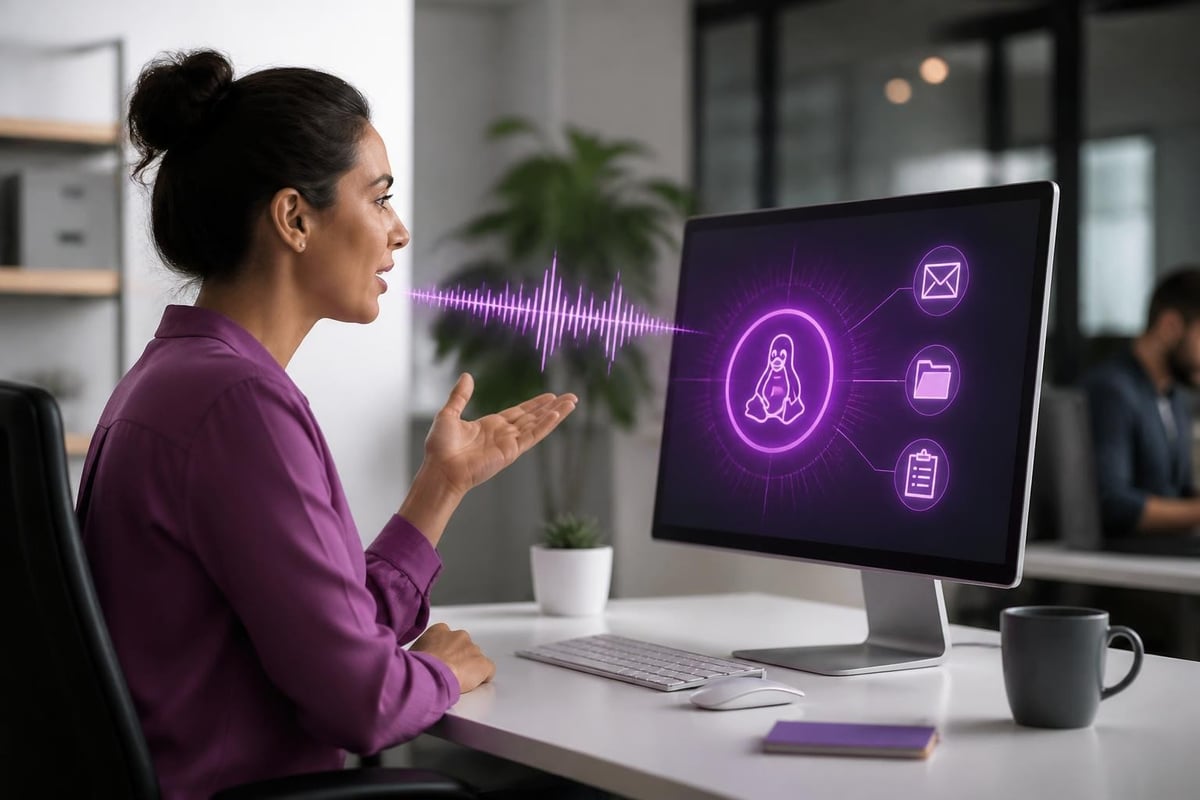
DecisionsAI enables voice commands and remote control via Telegram, making workflow automation accessible even when you're not at your desk. Imagine processing customer enquiries while you're on a job site or managing inventory updates through voice commands.
| Task Type | Time Saved Per Week | Implementation Difficulty |
|---|---|---|
| Email sorting and responses | 3-5 hours | Low |
| Invoice processing | 2-4 hours | Medium |
| Report generation | 2-3 hours | Medium |
| Appointment scheduling | 1-2 hours | Low |
Enhancing Customer Communications
If you're in retail, trades, or professional services, customer communication volume can overwhelm a small team. Understanding how virtual assistants work in AI helps you see where automation makes sense without losing the personal touch.
An ai assistant for linux can manage first-line responses, route complex queries to the right team member, and maintain conversation history. This doesn't replace human interaction-it makes your team more effective by handling routine questions and freeing them up for conversations that actually need expertise.
Integration with Business Tools
Modern Linux AI assistants don't work in isolation. CowAgent is an open-source AI assistant that plans tasks, runs tools, and autonomously grows with memory and knowledge. It supports multiple AI models and channels, offering a lightweight solution that integrates with your existing systems.
For businesses using ERP systems, exploring AI and ERP integration reveals how AI assistants can bridge gaps between different software platforms, pulling data from one system and updating another without manual intervention.

Getting Started Without the Technical Overwhelm
You don't need to be a Linux expert to implement these tools. The barrier to entry has dropped significantly in 2026.
Step-by-Step Implementation Approach
Start small and specific. Don't try to automate your entire business in week one. Pick one time-consuming process:
- Identify a repetitive task that takes 2+ hours per week
- Choose an AI assistant that handles that specific task well
- Test with non-critical data first
- Measure the time saved and accuracy
- Expand to additional processes once you're confident
For Windows users curious about Linux AI tools, ASRock's AI Quickset WSL simplifies running Linux-based AI applications through Windows Subsystem for Linux. This bridges the gap while you evaluate whether a full Linux environment makes sense for your business.
What Makes Implementation Successful
Looking at businesses that have successfully adopted AI assistants, several patterns emerge:
- Clear objectives: They knew exactly what problem they were solving
- Team involvement: Staff understood how the tool helped them, not replaced them
- Iterative approach: They refined configurations based on real-world use
- Ongoing optimisation: They treated implementation as a process, not a one-time setup
If you're considering new AI assistant options, focus on tools that match your current technical capability. Open-source doesn't mean complicated-many modern solutions offer user-friendly interfaces that hide the complexity.
Real-World Considerations and Limitations
Let's be honest about what works and what doesn't. An ai assistant for linux isn't a magic solution that fixes every business problem.
Where AI Assistants Excel
Structured, repetitive tasks are perfect candidates. If you can write down the steps, an AI assistant can probably learn them. Data processing, scheduling, basic customer service, and report generation all fall into this category.
Information retrieval is another strength. Need to find that email from three months ago? Want to know which customers haven't ordered recently? AI assistants can search and synthesise information faster than manual methods.
Where They Fall Short
Complex decision-making that requires nuanced understanding of your business context still needs human judgement. An AI assistant can provide information and recommendations, but you're making the final call on strategy, customer relationships, and financial decisions.
Unpredictable scenarios aren't suited to automation yet. If every situation is different-like bespoke project work or highly personalised consulting-you'll get less value than businesses with more standardised processes.
For businesses managing visual content, partnering with specialists like removit for AI-powered image processing creates more value than trying to build everything in-house. Focus your AI assistant on what it does best, and integrate with specialised services where appropriate.

Making AI Work Within Your Business Reality
The biggest mistake small businesses make isn't choosing the wrong AI tool-it's implementing it without considering their actual workflow. An ai assistant for linux should fit into how your business operates, not force you to change everything.
Match the tool to your sector. Retail businesses need different automation than professional services. Trades businesses have different priorities than eCommerce. The flexibility of Linux-based AI assistants means you can configure them to your specific needs, but only if you're clear about what those needs are.
Think about data flow. Where does information enter your business? Where does it need to go? How does it currently move between systems? Mapping this out reveals where an AI assistant adds the most value. Sometimes that's at the entry point, capturing and categorising information. Sometimes it's in the middle, connecting systems that don't talk to each other.
For businesses working on marketing and local visibility, combining AI automation with expert guidance from agencies like Pioneer Marketing creates synergy. Your AI assistant handles routine tasks while specialists focus on strategy and optimisation that drives actual business growth.
The question isn't whether AI assistants work-they demonstrably do. The question is whether you've set them up to solve real problems in your business. That requires understanding both the technology and your processes, which is where many small businesses struggle without guidance.
Running an AI desktop assistant effectively means thinking about integration points, data security, and gradual adoption. It's not flashy, but it's what actually delivers results.
AI assistants for Linux offer small businesses a practical, privacy-focused way to automate routine tasks and boost productivity without expensive subscriptions or data privacy concerns. The key is starting with clear objectives, choosing tools that match your technical capability, and implementing gradually based on real-world results. If you're ready to explore how AI can work within your specific business context, AI 4 Small Business helps identify time-consuming processes, select the right tools, and build automations that deliver measurable impact-without the hype or complexity.