The landscape of AI assistance has shifted dramatically in 2026, and small businesses now have access to tools that were previously reserved for enterprise-level organisations. Whether you're running a busy trade business, managing an eCommerce store, or operating a professional service, there's likely a new AI assistant that can handle the repetitive tasks eating into your productive hours. The key isn't jumping on every shiny new tool-it's finding the right fit for your actual business needs and implementing it in a way that delivers measurable results.
What Makes a New AI Assistant Different in 2026
The new AI assistant options available today aren't just chatbots with fancy interfaces. They're contextually aware, action-oriented tools that can genuinely understand your business processes and take action on your behalf.
Recent developments like Amazon's Quick desktop assistant and Google's Gemini show how major tech companies are focusing on workplace productivity. But here's what matters for small businesses:
- Multi-app integration: Modern assistants connect your existing tools rather than replacing them
- Natural language processing: You can instruct them in plain English without learning complicated commands
- Learning capabilities: They adapt to your business patterns and preferences over time
- Affordable pricing: Entry-level plans that make sense for teams of 5-50 people

The Practical Applications That Actually Save Time
Let's cut through the hype and look at what a new AI assistant can genuinely do for your business right now. These aren't future possibilities-they're working implementations we're seeing across different sectors.
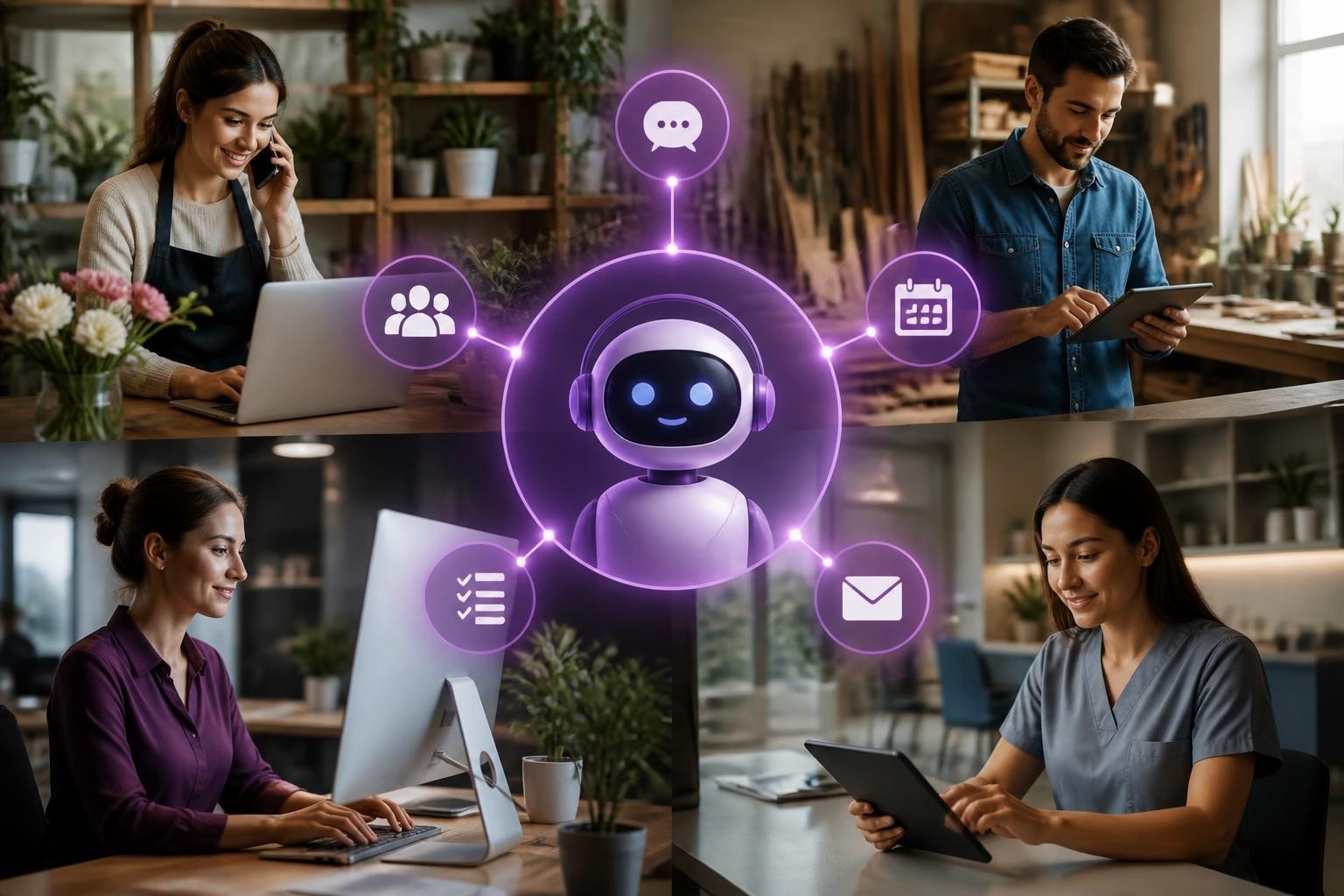
For retail and eCommerce businesses, AI assistants are handling customer enquiries outside business hours, processing returns, and updating inventory systems. One florist we work with uses an intelligent virtual agent to handle wedding enquiry calls, capture requirements, and schedule consultations-all whilst they're on-site at events.
Trade businesses are using AI to manage quote requests, schedule jobs, and send follow-up messages to customers. Similar to how Evolve Electrical might manage multiple installation projects, an AI assistant can juggle appointment confirmations, send preparation reminders to customers, and even flag scheduling conflicts before they become problems.
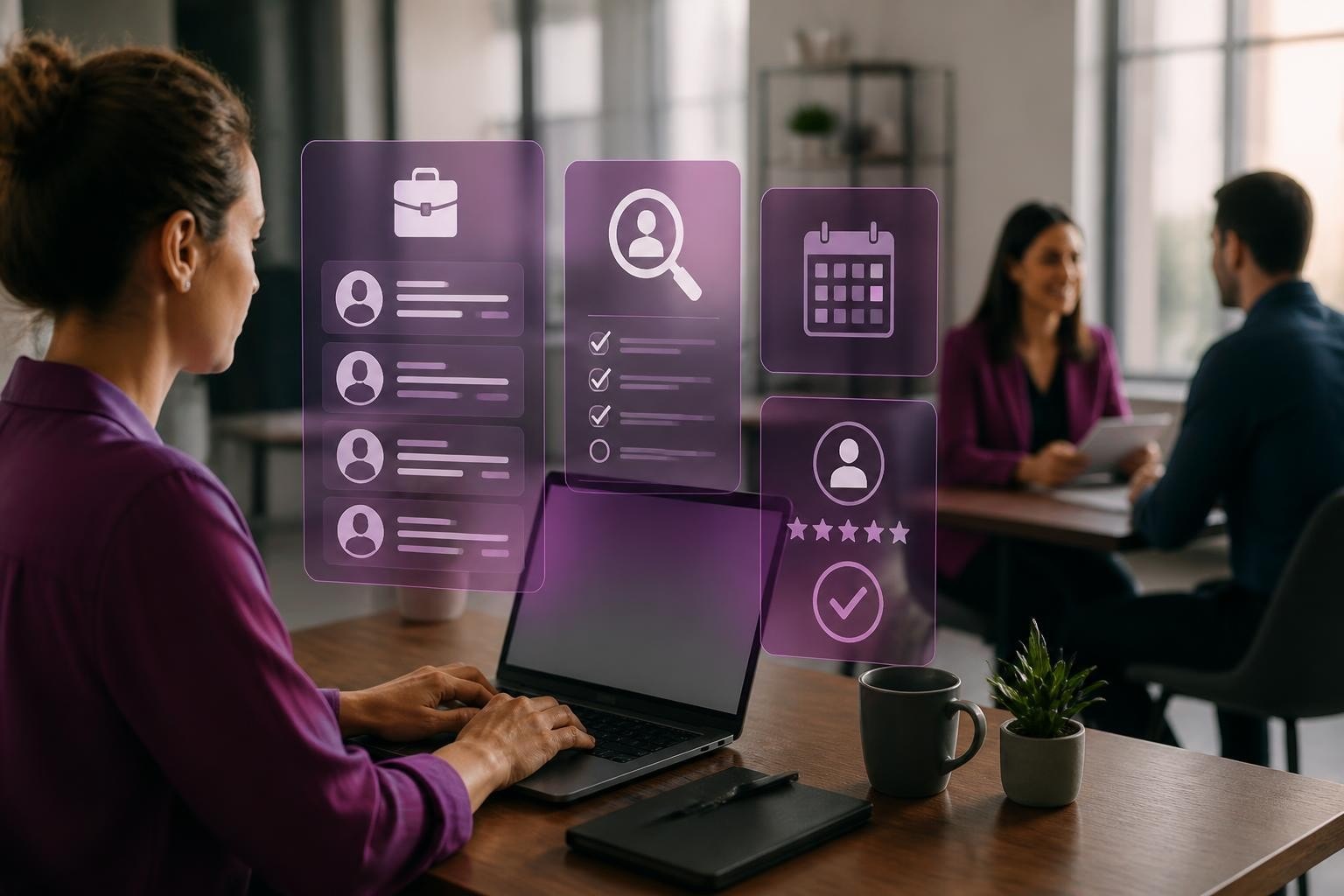
Professional services benefit from AI that drafts standard documents, summarises meeting notes, and manages client communications. One recruitment agency implemented an assistant that screens initial candidate applications and schedules interviews, cutting their admin time by roughly 12 hours per week.
Choosing the Right New AI Assistant for Your Business
Here's where most small businesses get stuck: there are dozens of options, each claiming to be the perfect solution. The reality? The best new AI assistant for you depends entirely on what you're actually trying to achieve.
| Business Need | AI Assistant Type | Key Benefit |
|---|---|---|
| Customer service | Conversational AI | 24/7 availability, consistent responses |
| Scheduling & bookings | Calendar-integrated assistant | Reduced back-and-forth, automatic confirmations |
| Data entry & admin | Desktop automation assistant | Hours saved weekly, fewer errors |
| Email management | Email-focused AI | Prioritised inbox, drafted responses |
The Meta AI App demonstrates how assistants are becoming more personalised and context-aware, but that doesn't mean it's right for every business use case.
Before selecting a new AI assistant, map out your biggest time-drains. Where does your team spend hours on repetitive tasks? Which customer touchpoints feel clunky or slow? That's where you'll find the biggest ROI.
Implementation Without the Headaches
You don't need a computer science degree or a massive budget to implement AI assistance effectively. What you do need is a clear process and realistic expectations.
Start small and specific. Pick one workflow that's causing genuine pain. For example, if you're spending three hours daily responding to similar customer questions, that's your starting point. Don't try to automate everything at once.
Steps for practical implementation:
- Document your current process in detail (every step, every decision point)
- Identify which parts are genuinely repetitive versus which require human judgement
- Test the new AI assistant on a small sample before full rollout
- Monitor quality and adjust prompts/settings based on real results
- Expand gradually to additional workflows once you've proven the concept
Many businesses find value in working with specialists who understand custom AI solutions tailored to specific industry needs rather than trying to force-fit generic tools.

Integration with Your Existing Tech Stack
One advantage of today's new AI assistant options is their ability to work alongside your current systems. You're not ripping out your CRM or accounting software-you're adding intelligence that connects them.
For instance, Adobe's Firefly AI Assistant integrates directly within Creative Cloud applications, showing how AI can embed within existing workflows rather than requiring separate platforms.
Common integration points for small businesses:
- Email platforms (Outlook, Gmail)
- Scheduling tools (Calendly, Microsoft Bookings)
- CRM systems (HubSpot, Pipedrive)
- Accounting software (Xero, QuickBooks)
- E-commerce platforms (Shopify, WooCommerce)
Businesses managing complex operations, such as those using staff management systems like Verlof.io for leave requests and workforce planning, can layer AI assistance on top to handle routine queries about holiday balances or approval workflows.
The beauty of modern AI desktop assistants is they can often "see" what you're working on across different applications and offer contextual help without constant switching between tools.
Measuring Real Impact, Not Just Features
Here's something we tell every business we work with: fancy features don't matter if they're not moving the needle on your actual business metrics. A new AI assistant should deliver tangible, measurable improvements.
What to track:
| Metric | Before AI | After AI (3 months) | Impact |
|---|---|---|---|
| Time on customer queries | 15 hrs/week | 6 hrs/week | 60% reduction |
| Response time | 4 hours average | 15 minutes average | 94% improvement |
| Admin hours | 20 hrs/week | 8 hrs/week | 12 hours saved |
| Error rate in data entry | 5% | 0.5% | 90% reduction |
These aren't hypothetical numbers-they're the kind of AI results we see when businesses implement focused, well-configured AI assistance.
Research on AI assistants that help users maintain focus shows that the best implementations aren't just about automation-they're about helping teams work more intentionally and effectively.
Sector-Specific Applications Worth Exploring
Different industries are finding unique ways to leverage new AI assistant capabilities. What works brilliantly for a retailer might be completely irrelevant for a plumber, and vice versa.
Hospitality businesses are using AI to manage reservations, handle dietary requirement queries, and send personalised pre-arrival messages. One café used a new AI assistant to take phone orders during busy periods, ensuring they never missed a catering opportunity whilst serving customers in-store.
Recruitment agencies benefit enormously from AI that screens CVs, schedules interviews, and maintains candidate communication. The time saved on initial screening alone often justifies the investment.
E-commerce operators deploy AI for abandoned cart recovery, product recommendations, and customer service-essentially creating a team member who never sleeps and consistently applies your sales process.
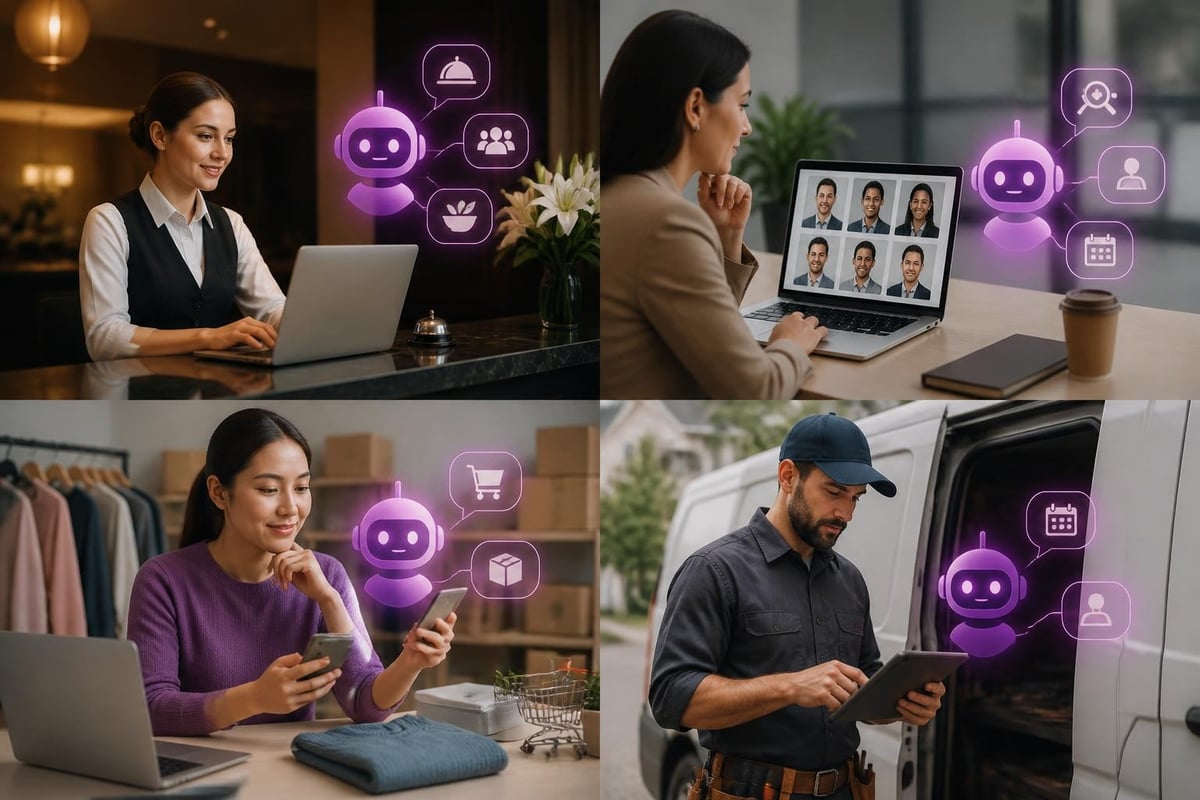
The Perplexity Assistant for Android demonstrates how mobile-first AI assistance is becoming more sophisticated, particularly useful for trade businesses where staff are frequently on-site rather than at desks.
Privacy, Control, and Building Capability
One concern we hear frequently: "What happens to our data?" It's a legitimate question, especially when you're feeding customer information into an AI system.
Key considerations:
- Choose assistants with clear data policies and UK/EU compliance
- Understand where your data is processed and stored
- Configure privacy settings before loading any customer information
- Train your team on what information should and shouldn't be shared with AI tools
Equally important is ensuring your new AI assistant can recognize and admit its limitations. The best systems know when to escalate to a human rather than providing incorrect information.
The goal isn't to make your business dependent on AI-it's to build capability. Your team should understand how the assistant works, when to trust it, and when to override it. This is fundamentally different from outsourcing work; you're augmenting your team's effectiveness whilst retaining full control.
The right new AI assistant can genuinely transform how small businesses operate, but only when it's selected and implemented with clear objectives and realistic expectations. Rather than getting caught up in the latest releases and flashy demonstrations, focus on tools that solve your specific business challenges and integrate smoothly with how you already work. If you're ready to explore how AI assistance could work in your business without the hype or complexity, AI 4 Small Business helps you identify practical opportunities, select the right tools, and implement solutions that deliver measurable results-not just technological novelty.