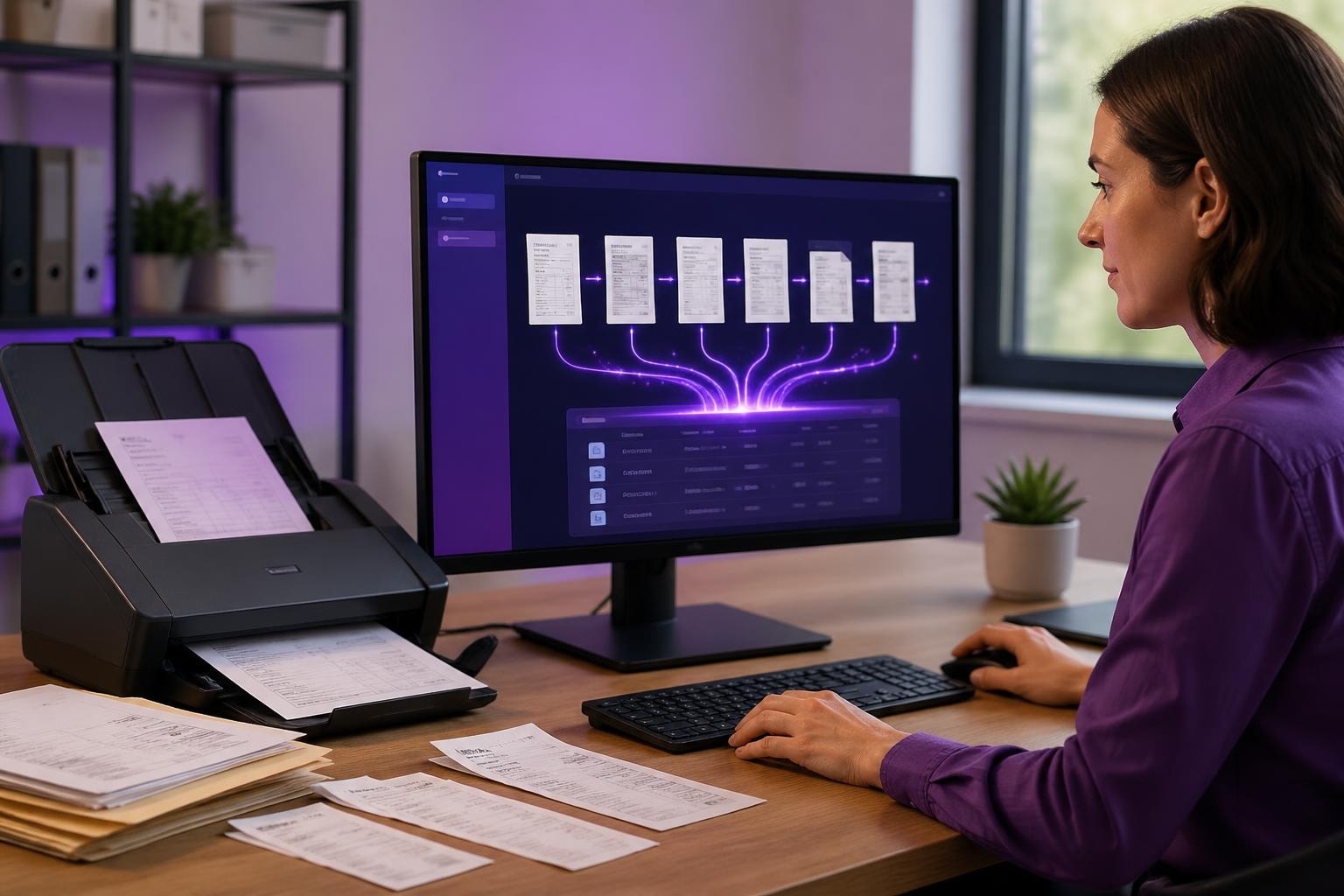
If you're running a small business, you're probably drowning in paperwork. Invoices, receipts, contracts, delivery notes, client forms-they pile up fast. And someone (probably you) has to manually enter all that information into your systems. It's tedious, time-consuming, and let's be honest, it's where mistakes happen. That's where ai document processing software comes in, and it's genuinely transforming how small businesses handle their admin workload.
What AI Document Processing Actually Does
Here's the thing: ai document processing software doesn't just scan documents like your old office scanner. It reads them, understands them, and pulls out the information you need.
Think about receiving a supplier invoice. Traditionally, you'd open it, check the details, and manually enter the supplier name, invoice number, line items, and total into your accounting system. With AI document processing, you simply upload or email the invoice, and the software extracts all that data automatically. It can even validate the information against your records and flag discrepancies.
Real-World Applications Across Different Sectors
The beauty of this technology is that it works across virtually any business type:
- Trades businesses: Process quotes, job sheets, and supplier invoices without the evening admin sessions
- Retail and eCommerce: Handle returns forms, inventory receipts, and customs documentation automatically
- Professional services: Extract data from client onboarding forms, contracts, and expense receipts
- Recruitment agencies: Parse CVs, application forms, and compliance documents in seconds
A builder I worked with was spending three hours every Friday evening entering supplier invoices. After implementing ai document processing software, that dropped to about 20 minutes of reviewing what the AI had already processed. That's 2.5 hours back every single week.

Choosing the Right Solution for Your Business
Not all ai document processing software is created equal. Some solutions are built for massive enterprises with complex workflows, whilst others are perfect for smaller operations. Here's what actually matters when you're choosing:
| Feature | Why It Matters | What to Look For |
|---|---|---|
| Integration | Works with your existing tools | Connects to your accounting, CRM, or ERP systems |
| Accuracy | Reduces manual corrections | 95%+ accuracy on your document types |
| Learning capability | Improves over time | Learns from corrections you make |
| Volume pricing | Stays affordable as you grow | Pay-per-document or reasonable monthly caps |
The best document management software solutions offer a mix of processing power and practical usability. You don't need every feature-just the ones that solve your specific bottlenecks.
Getting Started Without the Technical Headache
One of the biggest myths about ai document processing software is that it's complicated to set up. Modern solutions are surprisingly straightforward, especially when you focus on one process first.
Here's a practical approach that works:
- Identify your biggest pain point - What document type costs you the most time?
- Start with a pilot - Process just that one document type for a month
- Measure the impact - Track time saved and error reduction
- Expand gradually - Add more document types as you build confidence
This is exactly the approach we recommend when implementing AI in business-start small, prove the value, then scale.
The Technologies Behind the Scenes
You don't need to understand all the technical details, but knowing the basics helps you ask better questions when evaluating solutions.
Optical Character Recognition (OCR) is the foundation-it turns images of text into actual text data. But modern ai document processing software goes way beyond basic OCR. It uses machine learning to understand context, recognise patterns, and extract meaning.
For instance, intelligent document processing software can tell the difference between a purchase order number and an invoice number, even if they're formatted similarly. It understands that "Net 30" means payment terms, and it knows to look for a VAT registration number in a specific area of an invoice.

What About Accuracy and Errors?
Let's address the elephant in the room: no ai document processing software is 100% perfect, and anyone who tells you otherwise is selling you something. But here's what matters-it doesn't need to be perfect to be valuable.
If your current manual process has a 2-3% error rate (which is normal for human data entry), and the AI achieves 96-98% accuracy, you're already ahead. Plus, the AI makes consistent errors that you can spot and correct systematically, whereas human errors are random and harder to catch.
Most solutions include confidence scoring. If the AI is 99% confident about an extraction, it processes it automatically. If it's only 70% confident, it flags it for human review. This gives you control whilst still automating the bulk of the work.
Practical Implementation Tips
Based on working with dozens of small businesses, here's what actually works when rolling out AI document automation software:
Start with clean templates: If you can standardise the documents you receive most often (like asking suppliers to use a specific invoice format), the AI performs better from day one.
Create validation rules: Set up automatic checks-does the total match the line items? Is the supplier in your approved list? These catch errors before they hit your accounts.
Train your team gradually: Don't switch everything overnight. Run parallel processes for a few weeks so your team builds confidence in the system.
The AI-powered workflows you build around document processing often deliver more value than the processing itself. For example, once an invoice is processed, you can automatically trigger approval workflows, payment scheduling, or inventory updates.
Integration With Your Existing Systems
This is crucial. Ai document processing software that sits in isolation doesn't deliver much value. You want the extracted data flowing directly into your accounting software, CRM, or inventory system.
Most modern solutions offer API connections or pre-built integrations with popular platforms like Xero, QuickBooks, Salesforce, and Shopify. Some also work through email-you forward documents to a specific address, and they're processed automatically.
When evaluating AI document processing platforms, ask specifically about integrations with the tools you already use. Custom integration work can get expensive quickly, so prioritise solutions that connect natively to your stack.
Costs and ROI Considerations
Pricing models vary wildly. Some providers charge per document, others offer monthly subscriptions, and some combine both. For small businesses, here's what to watch out for:
- Setup fees: Some charge thousands for initial configuration-avoid these
- Minimum commitments: Be wary of long contracts before you've proved the value
- Overage charges: Understand what happens if you exceed your monthly document limit
- User licensing: Check if you pay per user or if multiple people can access the system
The ROI calculation is straightforward. If you're spending 10 hours a week on document processing at a cost of £15/hour (either your time or an employee's), that's £650 per month. If ai document processing software costs £200/month and saves you 8 of those hours, you're £440 better off monthly, plus you've eliminated errors and freed up time for revenue-generating activities.
Comparing manual document processing costs including time, errors, and labour against AI automation savings and efficiency gains
Security and Compliance Matters
You're handling sensitive business documents-invoices, contracts, financial records. Security isn't optional. When reviewing solutions, check for:
- Data encryption both in transit and at rest
- GDPR compliance if you're handling any EU customer data
- Access controls so you can limit who sees what
- Audit trails that track who processed which documents and when
Some intelligent document processing software solutions offer on-premise deployment if you're particularly sensitive about data leaving your environment, though cloud solutions typically offer better security than most small businesses can achieve internally.
Beyond Just Processing Documents
Here's where it gets interesting. Once you've got ai document processing software working, you can build additional automation on top. The process automation with AI approach opens up possibilities like:
- Automatic three-way matching between purchase orders, goods receipts, and invoices
- Flagging invoices that fall outside normal spending patterns
- Routing contracts to specific team members based on value or client type
- Extracting key dates and creating calendar reminders automatically
These compound benefits often deliver more value than the initial time savings. You're not just working faster-you're working smarter.
Document processing might not be the sexiest part of running a business, but it's one of the quickest wins when adopting AI. The time you save, the errors you eliminate, and the mental space you free up are genuinely transformative. If you're ready to move from thinking about AI to actually implementing it in your business, AI 4 Small Business can help you identify the right solution, get it set up properly, and ensure you're getting measurable results fast. No jargon, no expensive custom development-just practical AI that works.